Tasks Panel and Views
The Tasks Panel in depth: views, filters, stages, and power-user techniques.
In this chapter
- The Tasks Panel — 
- Filtering Using Stages and States — 
- Task Panel Views — What Views Can I Use?
- The Table (List) View — 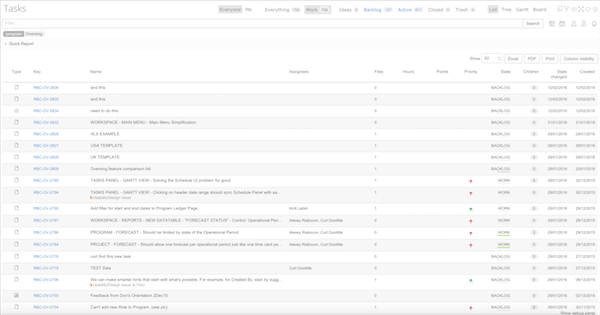
- The Outline (Tree) View — 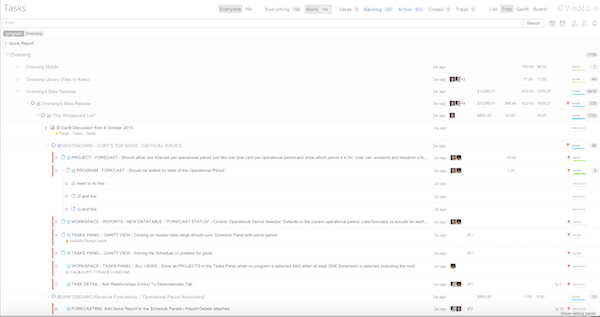
- The Board View — 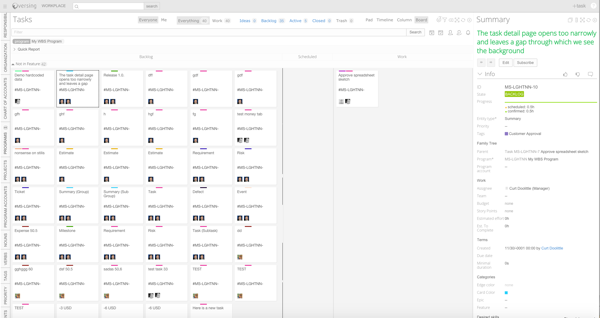
- The Column View (Single Stack) — 
- The Timeline (Gantt) View — 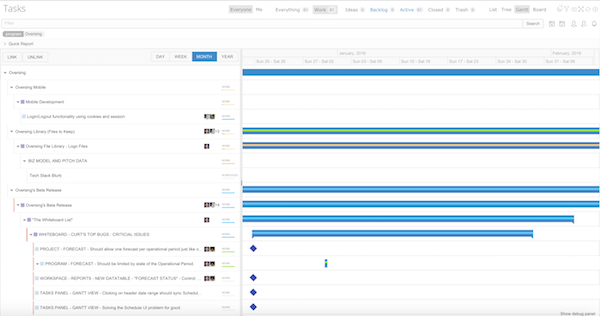
- The Pad View — 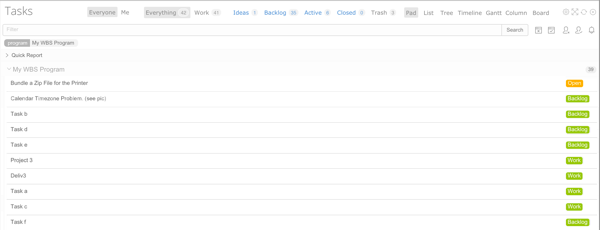
- The Timeline View — 
- How Should I Use The Board? — How Should I Use It?
- How Should I Use The Outline View? — How Should I Use It?
- Drag and Drop on Panels — You can use these Drag and Drop Events:
- Panel Controls — Selecting, Sorting, Editing Items
- Filter Using Smart Search Tags — 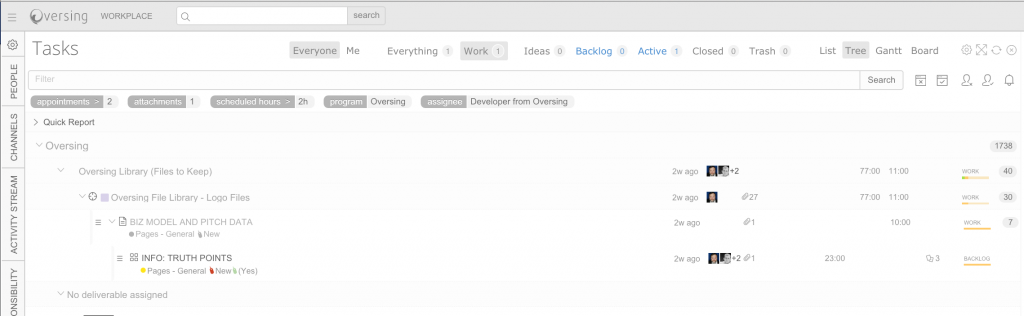
- Filter by Scheduled or Staffed — Filter by Scheduled or Not
- Filter by Panels — Filter by the Panel Selections
- Filtering the Tasks Panel — 
- Tasks Panel Limits? — Runcible can display a lot of information.
- Oops! Where are My Tasks — Why can’t I see Items in a Panel?
- Power Users: Using Just the Tasks Panel — ( ...
- On a Page: The Subtasks Tab View — On a Page: The Subtasks Tab View. (stub)
- The Task Detail Panel — The Task Detail Panel. (stub)